How to Connect Advanced GSC Visualizer to the Google Search Console API
Learn how to securely authenticate with Google to access API-level data directly within your Search Console dashboard.
Connect the Advanced GSC Visualizer directly to the Google Search Console API to access deeper insights than what the standard interface provides. This connection enables the extension to fetch raw, comprehensive performance metrics for your properties without the usual interface limits.
Follow this simple guide to activate the extension and enable the API Data Explorer.
Step 1: Open the Extension Menu
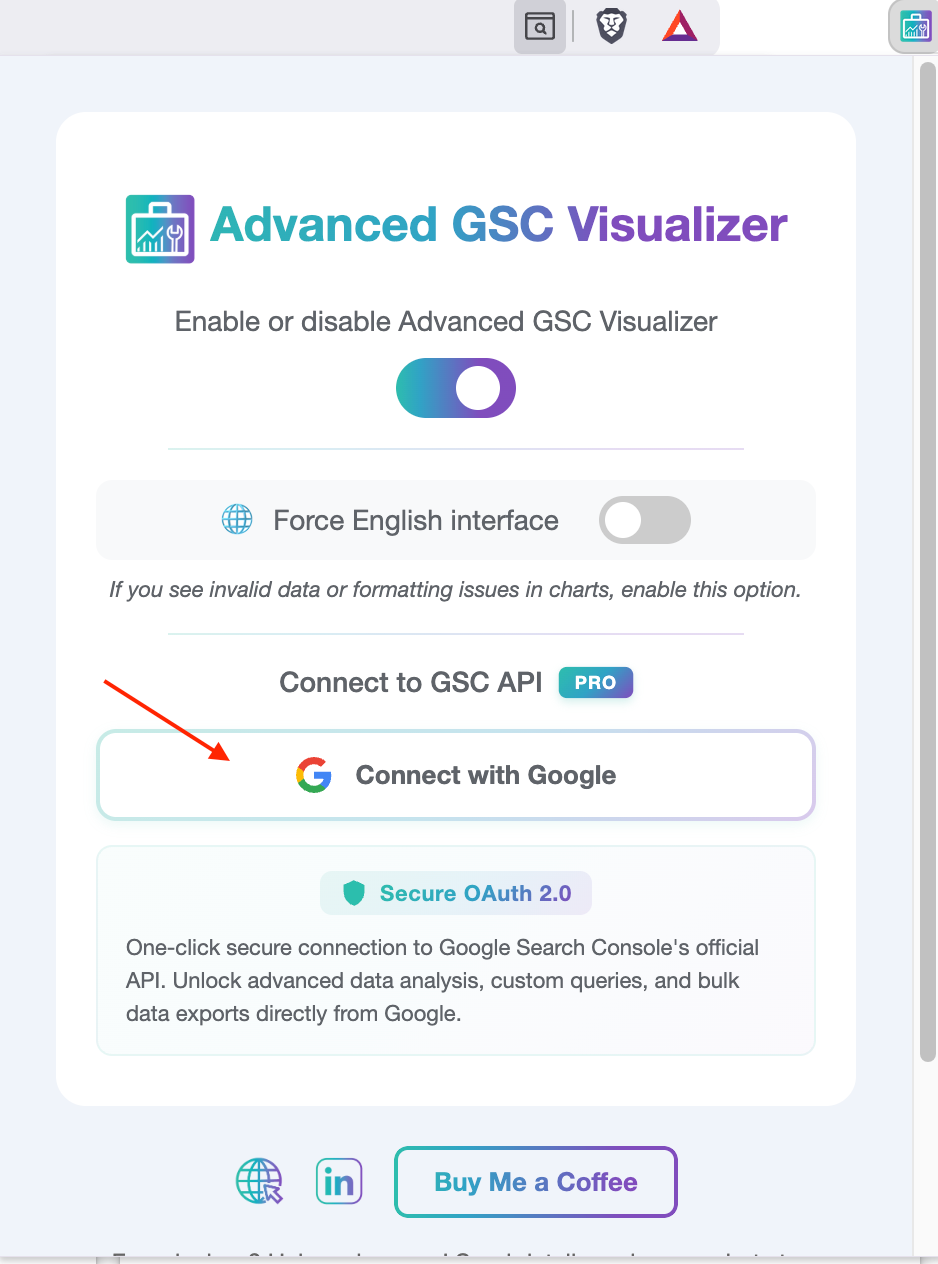
Navigate to your browser's toolbar and click the Advanced GSC Visualizer icon. This will open the extension's popup menu.
Step 2: Initiate the Connection
Look for the section labeled "Connect to GSC API". Click the button marked Connect with Google.
Step 3: Grant Browser Permissions (Safety Check)
Your browser may prompt you to grant the extension permission to access www.googleapis.com.
Why is this needed? This permission is strictly required to facilitate the secure OAuth login flow with Google.
- Security Note: We do not store your credentials.
- Privacy Note: We do not access or read your personal data.
- Safety: The authentication process is handled entirely by Google's secure servers.
Please accept this permission request to proceed.
Step 4: Authenticate Your Account
A standard Google authentication window will appear. Select the Google account associated with your Search Console properties and grant the necessary read permissions.
Step 5: Verification
Once the authentication is complete, the window will close automatically. Look for a success message (toast notification) in your browser that says:
"Connected to GSC API Successfully!"
Step 6: Access the API Data Explorer
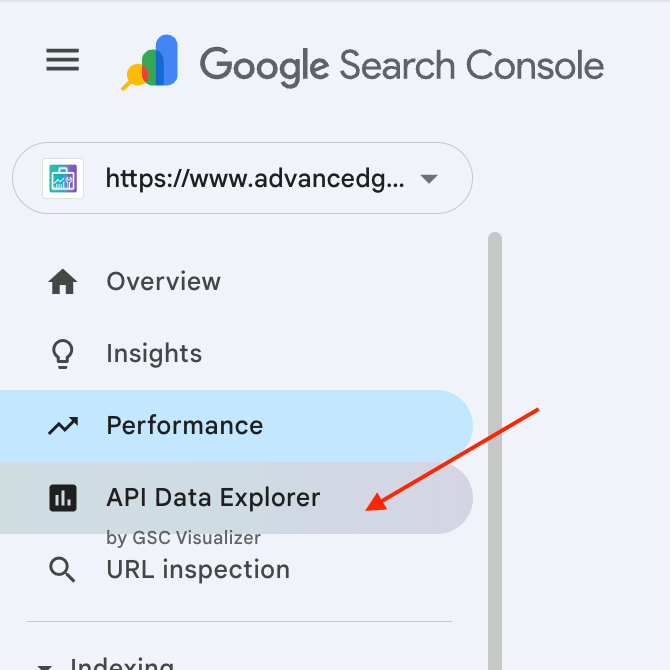
Head over to your Google Search Console tab (refresh the page if you are already there). Look at the left-hand navigation menu.
You will see a new button added to the list: API Data Explorer.
Click this button to access the advanced dashboard, where you can now visualize and export API-level data that is usually hidden in the standard GSC view.